Something happens.
Everyone’s up to date.

A message arrives. An order moves. A teammate makes a change. Build the moments that bring your application to life with pubb.

Your application. Your users. A little realtime between them.

Try an order updateInteractive example
Store dashboard#1042

Ready to pack

Your order#1042

Order confirmed

Your order is with the store. We’ll keep you posted.

  1. Confirmed
  2. Packed
  3. On the way
  4. Delivered
The customer’s screen updates with each change.

Simulated updates. Try the button to follow the delivery.

What will you bring to life?

Six ways to make your next feature feel connected. These are example scenarios to help you imagine what to build.

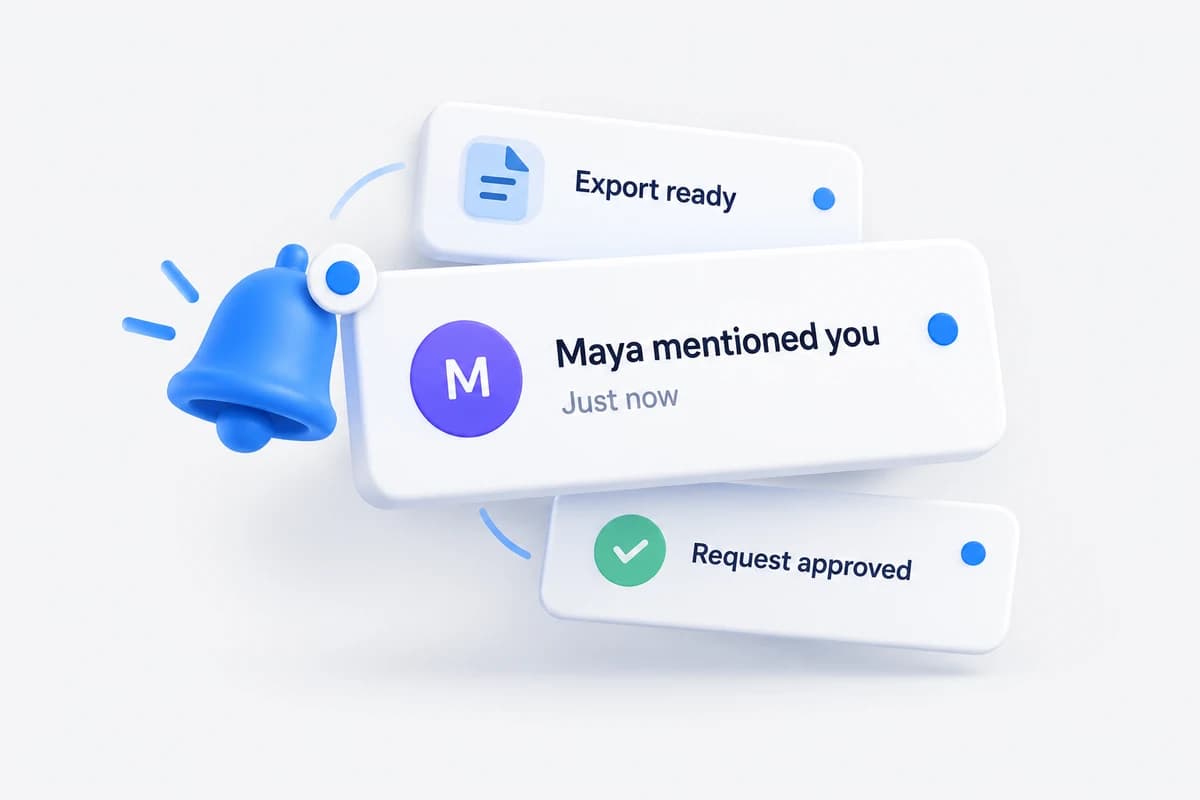
A notification from Maya arrives alongside an export update and an approved request.
In-app notifications

The update finds you.

A teammate mentions you. An export finishes. An approval comes through. Let people know while they’re already in your app.

A shared workspace

  1. What happens

    Maya mentions you in a project comment.

  2. What people see

    A notification appears in your inbox and the unread count updates.

Build it with pubbPublish to an authorized private channel for each user, so their connected screens receive the update.

  • Mentions and replies
  • Approval requests
  • Background job updates
Explore private channels
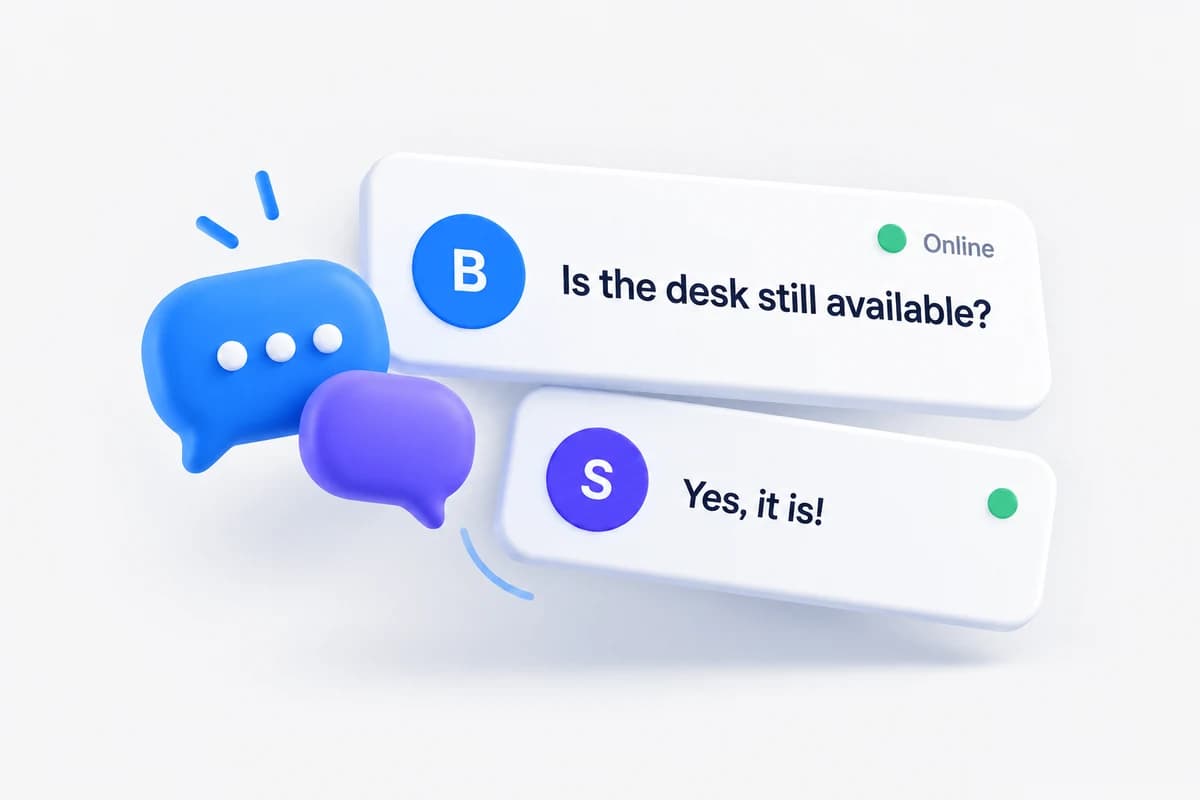
A buyer asks whether a desk is available and an online seller replies in the conversation.
In-app chat

Keep the conversation moving.

Put a conversation next to the work. Help buyers reach sellers, customers reach support, and teammates reach each other.

A marketplace conversation

  1. What happens

    A buyer asks whether a desk is still available.

  2. What people see

    The seller sees the message in the open conversation, ready to reply.

Build it with pubbSave messages in your app, then publish them to the conversation’s private channel. Add presence to show who is in the room.

  • Customer support
  • Buyer–seller chat
  • Team conversations
Explore event publishing
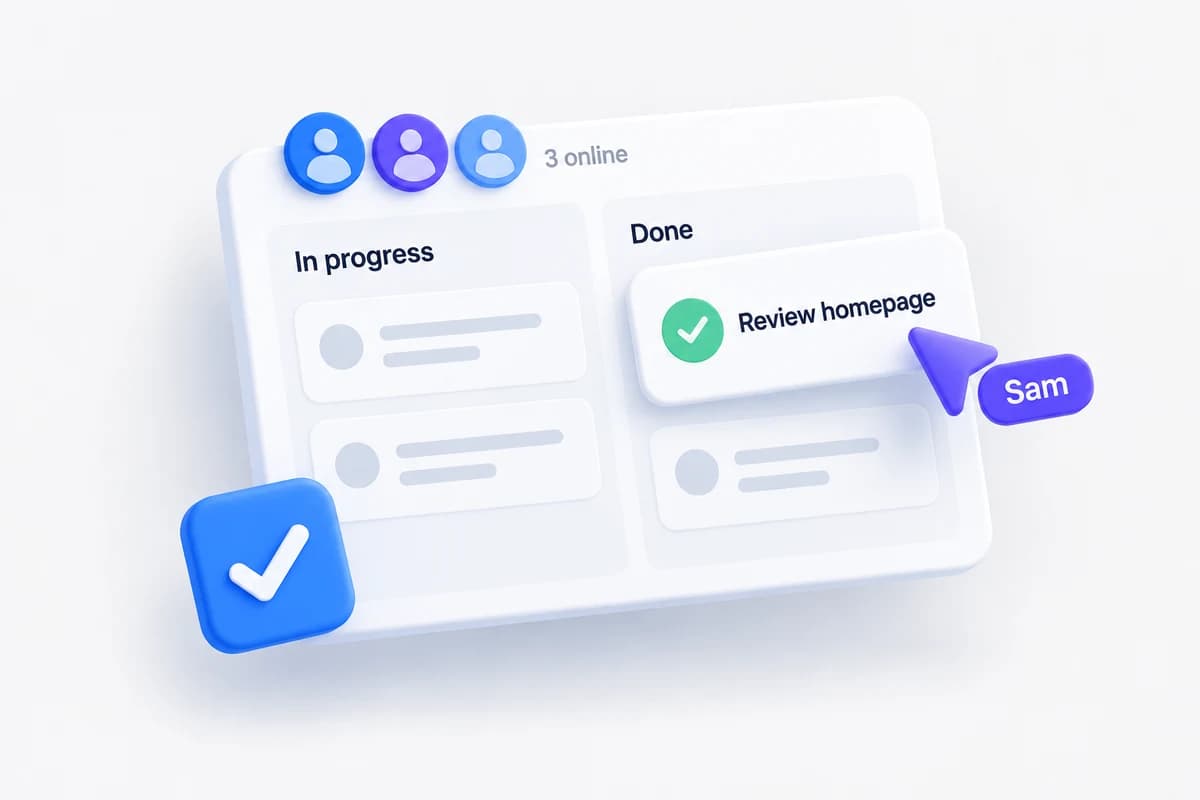
Sam moves the Review homepage task into Done on a shared board with three teammates online.
Collaboration and presence

Everyone sees the next move.

Bring shared boards and workspaces into the same moment. Show who is here and what changed while people work together.

A team’s launch board

  1. What happens

    Sam moves “Review homepage” into Done.

  2. What people see

    The card moves on the team’s open boards, and everyone can see who is online.

Build it with pubbPublish saved changes to the workspace channel and use presence membership to show participants. Your app decides how simultaneous edits are resolved.

  • Shared task boards
  • Team activity feeds
  • Online member lists
Explore presence channels
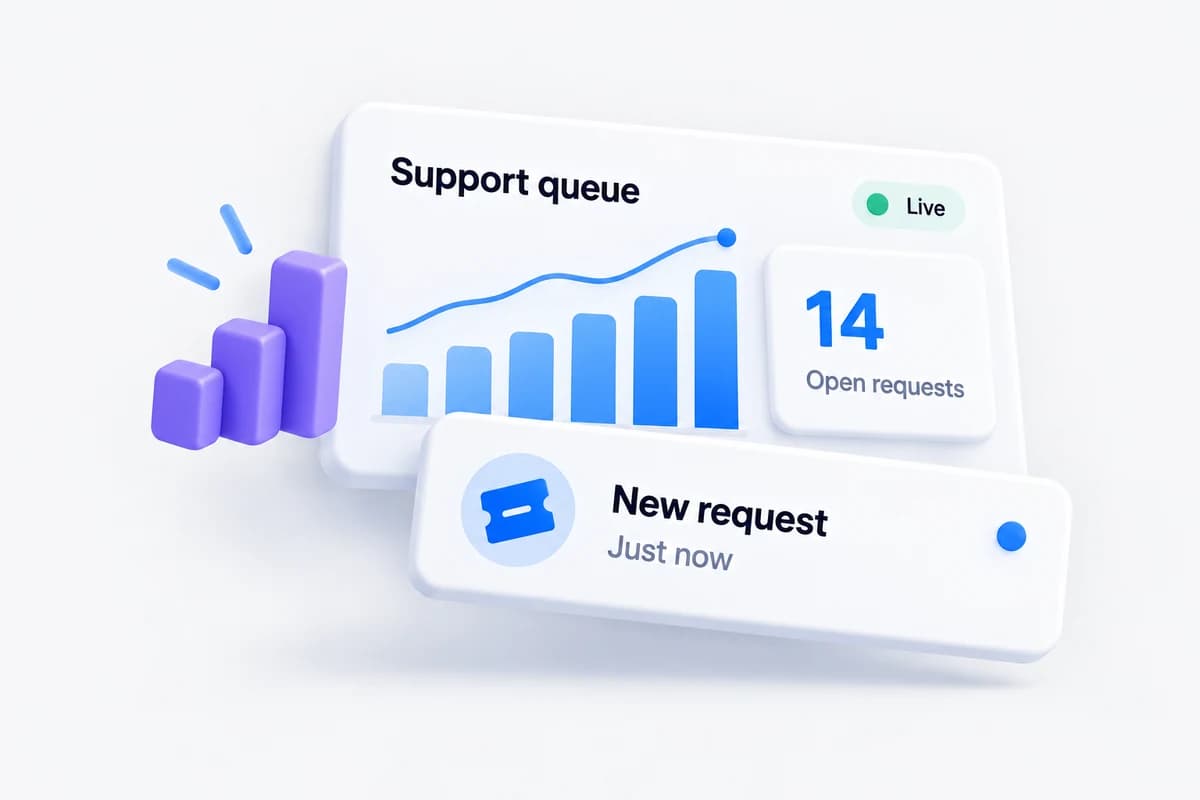
A live support dashboard displays 14 open requests as a new request arrives.
Live dashboards

A dashboard that keeps up.

Give teams a current view of what’s happening. Let new activity update an open dashboard as your backend processes it.

An operations dashboard

  1. What happens

    A new support request enters the queue.

  2. What people see

    The queue count changes and the request appears for the support team.

Build it with pubbPublish fresh metrics or activity from your backend to an authorized team channel. The dashboard updates the relevant view when an event arrives.

  • Support queues
  • Sales activity
  • Job monitoring
Connect a live dashboard
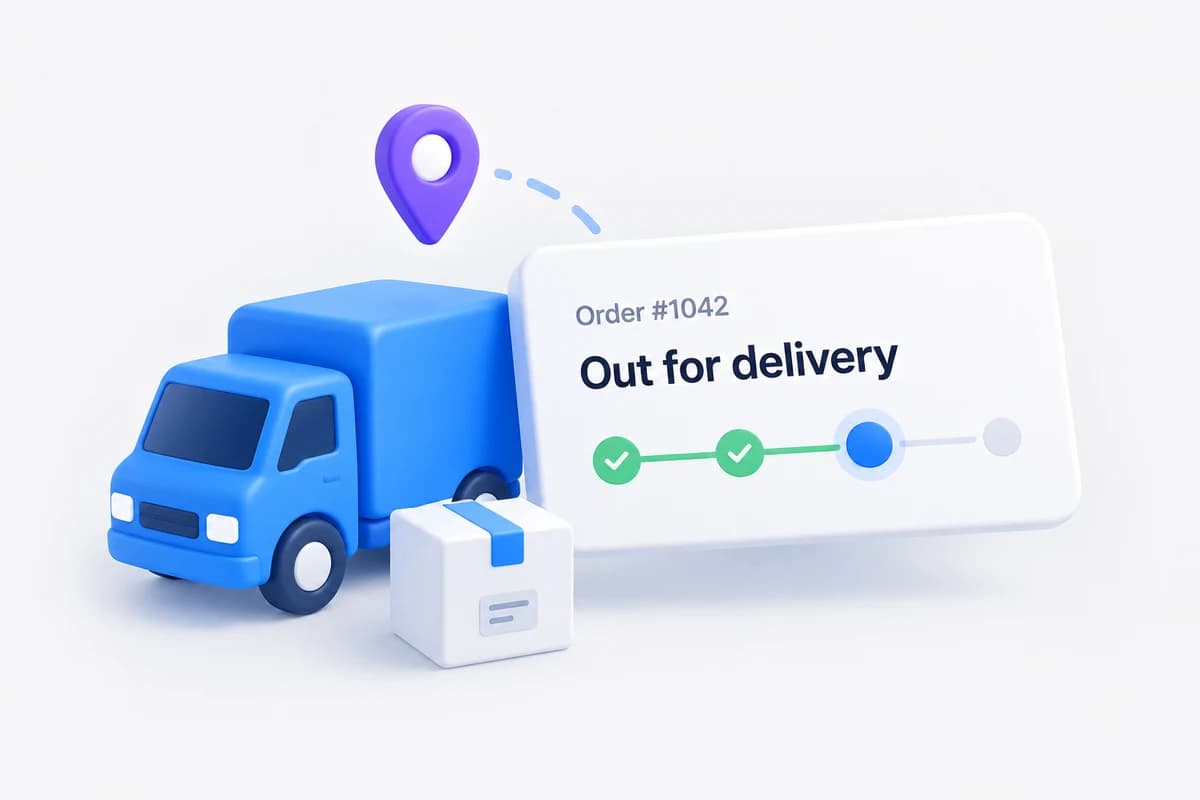
A delivery truck and parcel beside order 1042’s tracking card showing Out for delivery.
Order and delivery tracking

Keep “where is it?” answered.

From the first confirmation to the final delivery, keep customers informed as their order moves through your system.

A customer’s order page

  1. What happens

    The store marks order #1042 as out for delivery.

  2. What people see

    The customer’s open tracking page shows the new status immediately.

Build it with pubbPublish saved status changes to a private order channel. Your backend authorizes the customer and any staff who need access.

  • Delivery status
  • Click-and-collect
  • Service appointments
Connect private order updates
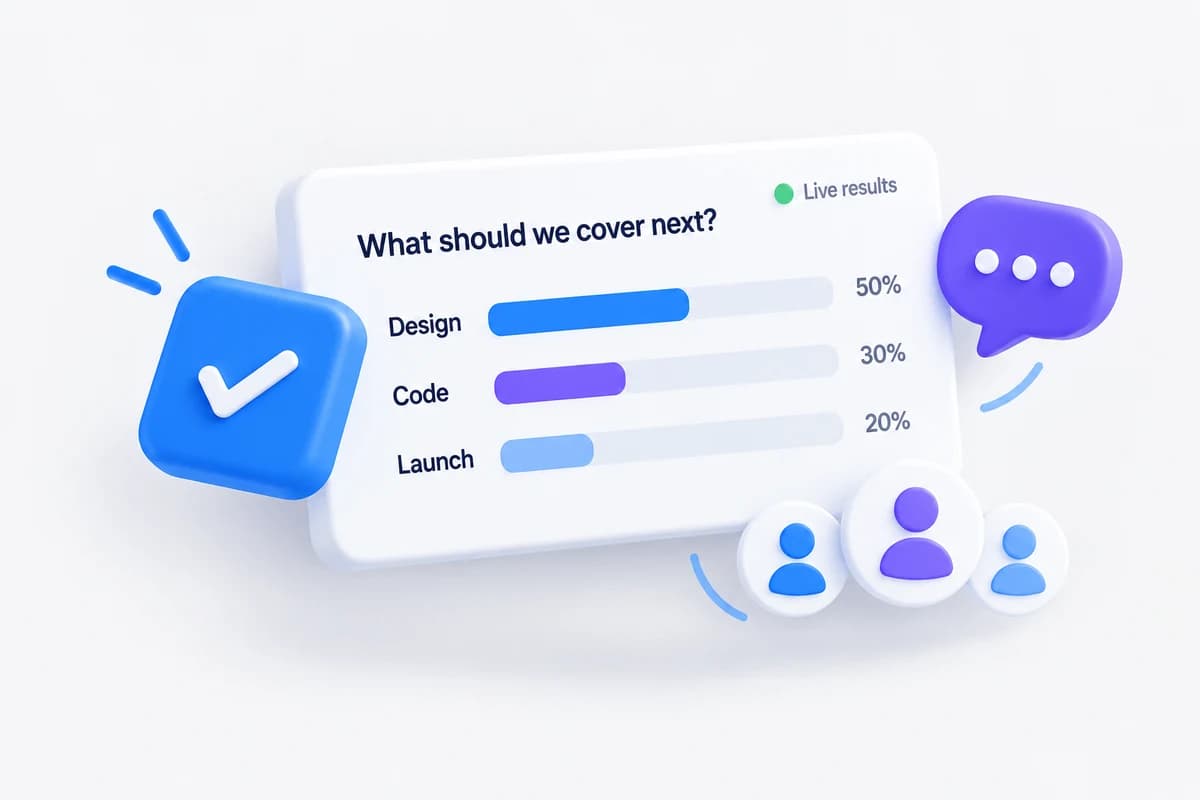
Workshop participants choose the next topic as live poll results show Design, Code and Launch.
Live polls and audience participation

Give the room a voice.

Make a webinar, class or community event a shared experience. Let participants see the result of their contribution as it happens.

A live workshop

  1. What happens

    An attendee votes for the next discussion topic.

  2. What people see

    The results chart updates for the host and everyone watching.

Build it with pubbValidate and count votes in your backend, then publish the updated totals. Use a public channel for open results or private channels for invited audiences.

  • Workshop polls
  • Live Q&A
  • Quiz leaderboards
Publish live results

One building block.
Your whole product.

Keep your existing backend, database and authentication. pubb carries events to the people listening.

Start with one live moment.

Choose a feature. Connect a client. Send your first event.